
The Ultimate Guide to Performance Max for E-commerce Growth
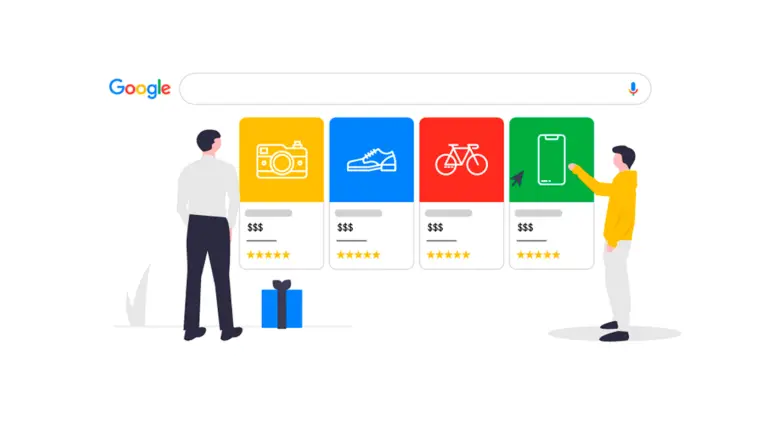
Want to take your e-commerce business to the next level? Google’s Performance Max (P Max) campaigns can help you reach more customers across multiple platforms, including Search, Display, YouTube, Gmail, and Discover. This guide will break it down in simple terms so you can start seeing results fast.
- Why Use Performance Max for Your Online Store?
✅ More Exposure: Your ads appear across Google’s biggest platforms.
✅ AI-Driven Optimization: Google automatically fine-tunes targeting and bidding to get the best results.
✅ Less Manual Work: Set your goals, provide assets, and let Google handle the rest.
✅ Creative Testing: Google mixes and matches different images, videos, and text to find what works best.
💡 Pro Tip: Use P Max alongside Search and Shopping campaigns for the best performance!
- How to Set Up a Winning P Max Campaign
Here’s how to launch your campaign the right way:
Step 1: Define Your Goals 🎯
- Choose a clear objective (sales, leads, or website traffic).
- Make sure conversion tracking is set up correctly.
Step 2: Upload High-Quality Assets 📸
- Use a mix of product images, lifestyle photos, and promotional banners.
- Add multiple headlines and descriptions to test different messages.
- If you don’t have a video, Google can create one for you automatically!
Step 3: Use Audience Signals 🔍
- Upload your email lists or customer data for better targeting.
- Add interest-based signals to help Google find the right buyers.
Step 4: Optimize Your Product Feed 🛍️
- Make sure product titles and descriptions include relevant keywords.
- Use high-quality images and keep stock levels updated.
- Budget & Bidding Tips
💰 Start Small & Scale Gradually – Begin with a moderate budget and increase as you see results.
📈 Set a Realistic ROAS Goal – Don’t make your return on ad spend (ROAS) target too high, or your ads may not get enough reach.
⏳ Be Patient – Give your campaign at least two weeks to collect data before making big changes.
💡 Smart Move: Focus your budget on high-performing products and pause the low-performers.
- How to Optimize P Max for Maximum Sales
🚀 Check Performance Insights Regularly – See which ads, placements, and audiences are working best.
🎯 Refine Audience Signals – Update and test new signals to improve targeting.
🔁 Swap in New Assets – Refresh images, videos, and copy to keep engagement high.
⚙️ Use Automated Rules – Set rules to pause underperforming ads and shift the budget where it’s working best.
💡 Pro Tip: Use negative keywords in Search to avoid wasting money on low-intent traffic.
- Mistakes to Avoid
❌ Not Checking Asset Performance – Regularly review which creatives are driving results.
❌ Setting Unrealistic ROAS Goals – A goal that’s too aggressive can limit your ad reach.
❌ Ignoring First-Party Data – Use your email lists and customer data for better audience targeting.
❌ Forgetting Negative Keywords – Even though P Max doesn’t use traditional keywords, you can still exclude irrelevant searches.
Final Thoughts
Performance Max is a powerful tool for e-commerce businesses, but success comes from proper setup, ongoing optimization, and testing. Start small, analyse your results, and double down on what works.
📢 Your Turn! Have you tried Performance Max? Share your experience in the comments! 🚀
Want to grow your business?
Connect with us today at magnifymindsmedia@gmail.com or visit our website at www.magnifymindsmedia.in to learn more about how we can help you reach more potential patients and grow your clinic’s online presence.